
How to clean data before visualizing in Power BI
The golden rule of data analytics is simple but brutal: "Garbage In, Garbage Out."
If you use Power BI, you likely love its visualization capabilities, but you probably hate the struggle of preparing data for it. Whether you are fighting with slow Power Query steps or just tired of messy files breaking your dashboards in the Query Editor, cleaning data before import is the secret to a stress-free workflow.
The Specific Nightmare: Timestamps and Dates
The biggest enemy of any data analyst is the Date column. You know the drill: you import a dataset into Power BI, and suddenly your time-series charts are broken because:
- Some dates are "DD/MM/YYYY" (European style).
- Others are "MM-DD-YYYY" (US style).
- Some are just text strings like "Jan 12, 2024".
Fixing this inside Power BI usually requires writing complex parsing functions, creating rigid formulas, or manually editing cells in Excel. It is error-prone and boring.
The Datastripes Philosophy: "Accept Everything, Output One"
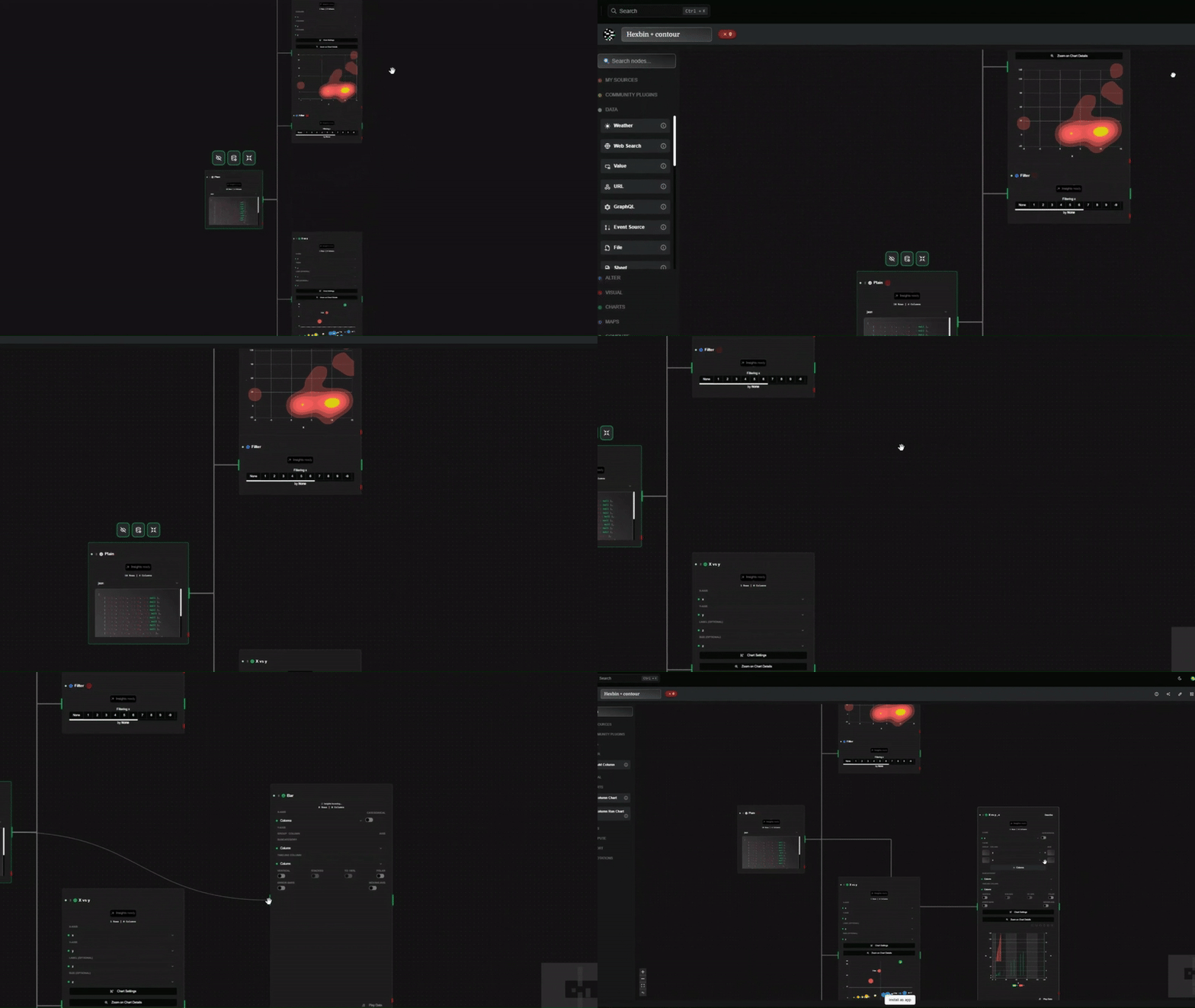
Datastripes takes a radically different approach to data cleaning, especially for timestamps.
Instead of asking you to write code to define the date format, Datastripes uses a smart ingestion engine that accepts mixed formats automatically.
- Ingest: You drop your raw Excel or CSV. Datastripes detects the Date column, even if it contains 5 different formats mixed together.
- Standardize: The system automatically converts everything into a single, universal standard (ISO 8601).
- Visual Check: You see a timeline distribution immediately. If there are outliers (e.g., a date in the year 2099), you spot them visually and filter them out with a click.
You don't worry about how the date is written. You just know that what comes out is a clean, sortable timestamp.
Beyond Dates: A Visual Pipeline
It's not just about dates. By using a visual node-flow before sending data to Power BI, you can:
- Deduplicate rows based on IDs without writing SQL.
- Group categories (e.g., turning "USA", "U.S.", and "US" into "United States") via a simple interface.
- Filter outliers visually using histograms.
Why not just do it in Power BI?
Power BI is designed for visualizing and analyzing data, not necessarily for scrubbing dirty files. When you burden your slow Power Query steps with heavy cleaning logic, your dashboards become slower and harder to maintain.
By using Datastripes as a lightweight "pre-processing" layer, you hand over a pristine dataset to Power BI.
- Your dashboards load faster.
- Your formulas become simpler.
- You stop debugging date formats and start finding insights.
Try it out
Stop wrestling with messy CSVs and complex scripts. Clean your data visually in minutes, then export it ready for Power BI.
Try Datastripes for free and see your data clearly for the first time.