Why nothing you enter is uploaded
Supplier lists, costs and bills of materials are among the most sensitive data a company holds. Datastripes is built so they never leave your device.
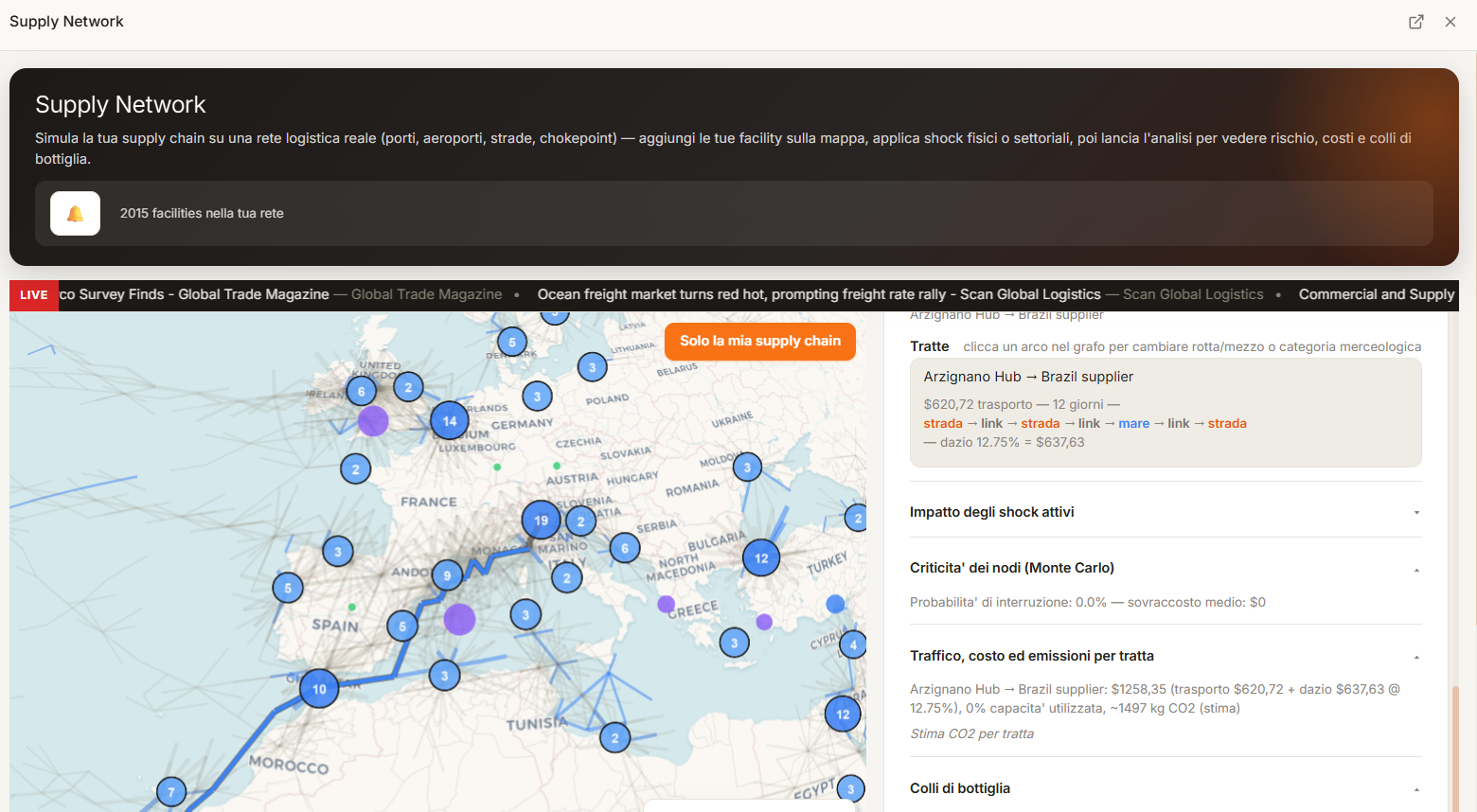
Datastripes runs entirely in your browser. When you build or import a supply chain, the data is held in your browser's local storage on your own device. There is no account, no server-side database of your inputs, and no upload step. This page explains the architecture and what it means for security review.
How it works
Client-side by design
Your inputs stay on device
Projects, supplier lists, BOMs, costs and scenarios are written to your browser's local storage. Clear it and they are gone; they were never anywhere else.
Downloaded, not queried live
Reference data — tariffs, input-output tables, chokepoint transits, restricted-party lists — is fetched as static datasets. Your network is matched against them in the browser.
Nothing to breach
There is no login, so there is no credential store and no user database linking you to your analysis.
Runs in the page
Monte-Carlo simulation, routing, input-output cost-push and screening all execute as client-side code. The results are shown to you and stored locally.
For your reviewers
What this means for security and procurement
Because your data is not transmitted or stored by Datastripes, there is typically:
- No data processing agreement to negotiate
- No vendor security questionnaire tied to your supplier data
- No data-residency question — the data resides on your machine
- No new third party with access to your supply base
You can confirm the behaviour yourself: open your browser's network tab while using the tool and watch that your inputs are not sent anywhere.
Honest limits
What to still be careful about
Local storage lives in the browser profile on the device you used — it is not backed up, not synced across machines, and can be lost if you clear site data or use a private window. Export anything you need to keep. Optional marketplace modules may have their own data behaviour, which is disclosed at install. Standard web analytics on the marketing site are separate from the app and never see your supply-chain inputs.
Data and privacy
Nothing you enter is uploaded.
Your supplier list, bills of materials and costs are stored locally in your browser. No account. No upload. Read how that works.
Methods: Monte-Carlo disruption modelling · Leontief input-output cost-push · damped-trend forecasting · safety-stock optimisation. See Methodology & data sources.
Questions
People also ask
- Does Datastripes store my supplier list on its servers?
- No. Your supplier list, bills of materials, costs and scenarios are stored in your browser's local storage on your device. They are not transmitted to or stored by Datastripes.
- Do I need a data processing agreement to use it?
- Typically not, because your data is not processed on Datastripes servers. Confirm with your own compliance team.
- Can I verify that nothing is uploaded?
- Yes. Open your browser developer tools, go to the network tab, and use the app — you will see that your inputs are not sent to a server.
- What happens to my work if I close the tab?
- It is saved in local storage and will be there when you return on the same browser and device. Export important work, since local storage is not backed up.
Next step
Use it — your data stays put
Your data stays in your device! No account, no upload, no sales call.
Analyse your business chain — it's free!